This comparison is published by Hover. We checked the linked provider documents on November 12, 2026. It is a decision checklist, not a claim that one product is cheaper for every account or payment route.
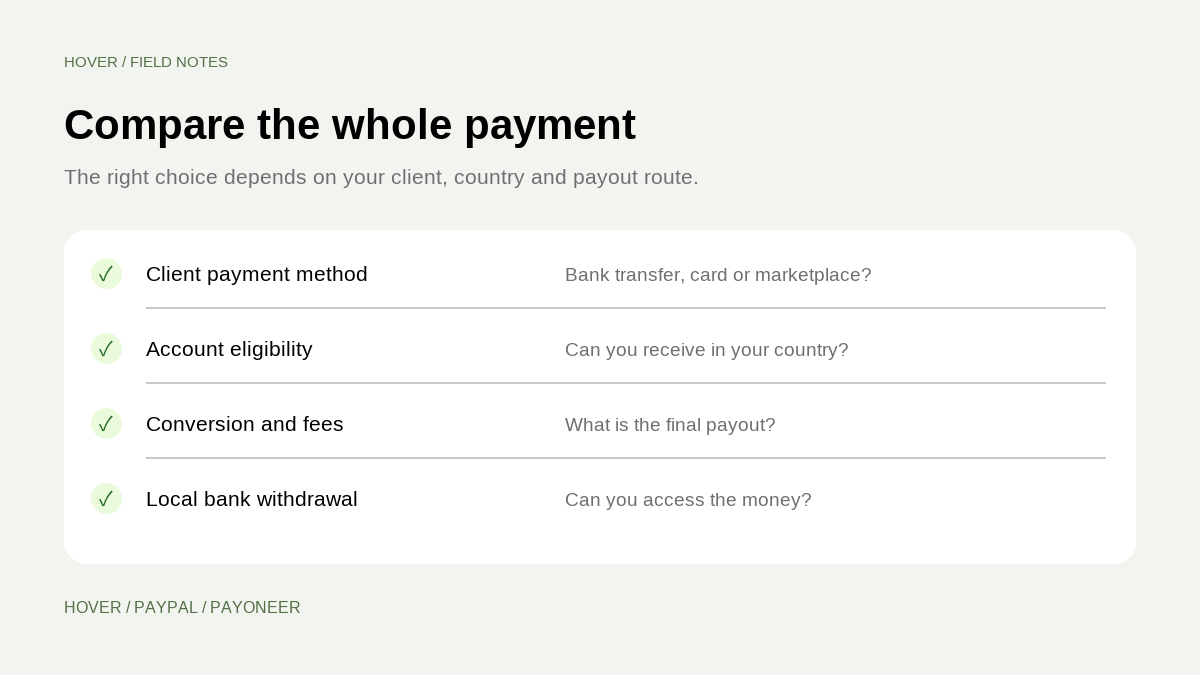
First compare the job each service needs to do
| Question | PayPal | Payoneer | Hover |
|---|---|---|---|
| How will the client pay? | Check the supported commercial payment methods in your market. | Check the receiving-account, payment-request or marketplace route. | USD, EUR or GBP virtual-account bank details, or a transfer from another Hover user. |
| What price applies? | Use the fee schedule for your registered market and transaction type. | Use the quote for the specific receiving, conversion and withdrawal route. | Check the fee displayed for the action in the app. Hover-to-Hover transfers are free. |
| Can you withdraw locally? | Confirm your account’s bank withdrawal options. | Confirm the supported bank, currency and withdrawal terms. | Confirm the bank withdrawal option is enabled for your country and account. |
| What needs verification? | Check the documents and limits attached to your account. | Check identity, business and receiving-account requirements. | Virtual accounts require verification and provider approval. |
PayPal: check the account’s market and transaction type
PayPal’s merchant fee schedule distinguishes commercial payments, international payments and currency conversion. The linked schedule is for US accounts. Its rates should not be presented as a universal price for freelancers registered elsewhere.
If a client proposes PayPal, check whether your account can receive that commercial payment and how you can withdraw it. Include the client’s currency, your receiving currency and any conversion in the comparison. Client familiarity is useful, but it does not replace those checks.
Payoneer: compare the exact route
Payoneer’s pricing page lists receiving methods, withdrawals, conversion and account fees separately. Review the categories that apply to you instead of adding a receiving fee and assuming the calculation is finished.
If a marketplace already supports Payoneer, check that marketplace’s own payout page as well. Its release schedule and payout conditions are part of your workflow, even when a separate provider handles the transfer.
Hover: check receiving accounts and withdrawal eligibility
Hover provides USD, EUR and GBP virtual-account receiving options after verification, where supported. Payments between Hover users are free, and the app shows transfer fees before confirmation. The underlying balance is USDC, which is different from holding a fiat bank deposit.
Hover is not a bank and balances are not FDIC-insured. Payment approval happens on your device, but that does not remove verification requirements or guarantee that every bank route is available. Read the company and fee information and the options shown in your account.
Run a small trial before changing your invoice template
- Confirm that your account can receive the client’s proposed payment method.
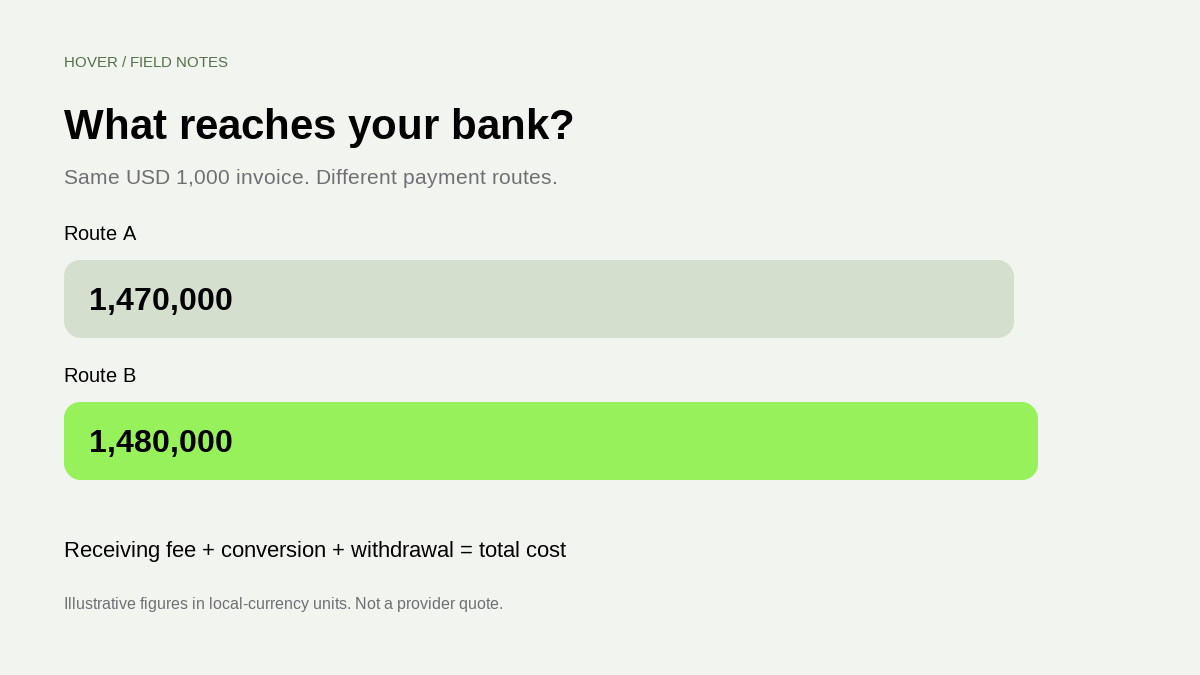
- Compare the same invoice amount through every receiving and withdrawal step.
- Check when funds become usable, not just when the client can initiate payment.
- Complete a small agreed payment and a local withdrawal.
- Keep a second usable payment route for clients with different requirements.
There is no need to use the same provider for every client. Choose a route that works for both parties and gives you a clear record of what was paid, what it cost and what reached your bank.